
A course that fits right in.
Add an embed snippet to your website. Match the theme to your brand and keep learners in a familiar place.
See how to embed a courseYour knowledge. Your brand. Your course.
Turn what you know into a course people love. Add it to your website or share a hosted page. Your lessons, payments, and community, together.
Free to start No credit card required No website needed


Keep the website you love. Add the course it needs.
One course. Two ways to share.
You don't need to rebuild your website, or even have one to begin.
Add an embed snippet to your website. Match the theme to your brand and keep learners in a familiar place.
See how to embed a coursePublish a hosted course page on learn.embedin.com. Share one link with your audience and give your course a place of its own.
No need to choose forever. Use a hosted page and a website embed for the same course.
Upload videos, organize lessons, and add the resources your learners need.
Choose your theme and layout. Offer your course for free or connect Stripe to sell it.
Publish your course link or embed it on your website. Invite your first learners.
Less juggling. More teaching.
Give your content, your learners, and their conversations a place to come together.
Organize videos into modules and lessons. Give learners a clear path through what you're teaching.
Bring questions and discussions alongside your lessons, so learning doesn't stop when the video does.
Connect Stripe to sell your course. Embedin charges no transaction fee; payment processor fees still apply.
Attach worksheets, templates, and downloadable files. Track lesson progress and course completion.
Room to start. Space to grow.
Hosted or embedded, every plan gives your course a home. Upgrade when you need more room.
Best for launching a mini course without upfront cost.
No credit card required.
For creators who are ready to sell consistently.
Upgrade when you need more capacity. Founding discount stays with you.
For creators with a larger audience and active growth.
For larger launches when capacity and support matter more.
Prices in USD. Stripe payment processing fees apply to course sales.
Good questions
Start small. Build something useful. Grow at your own pace.
Start with a free courseNo. You can publish a hosted course page on learn.embedin.com and share its link. If you have a website, you can embed the same course there too.
Embedin works with sites that support an embed snippet, including WordPress, Wix, Webflow, Squarespace, Notion, and custom websites. Visit our setup guides for platform-specific steps.
Yes. The Free plan includes one published course, up to 25 students, and 3 hours of video hosting. No credit card is required to get started.
Connect your Stripe account to accept course payments. Embedin charges a 0% transaction fee on every plan. Stripe's payment processing fees still apply.
Yes. Customize your course theme and choose a layout for your lessons and community. Use the preview above to explore a few of the available looks.
A helping hand
Practical guides for your next step.

Learn how to publish and host your online course on Wix using Embedin — a simple no-code method to deliver course content inside your Wix website.
Read the guide
Embed an online course in Notion with an Embedin Learn link. Follow the setup steps, enable optional Notion-only embedding, and troubleshoot access.
Read the guide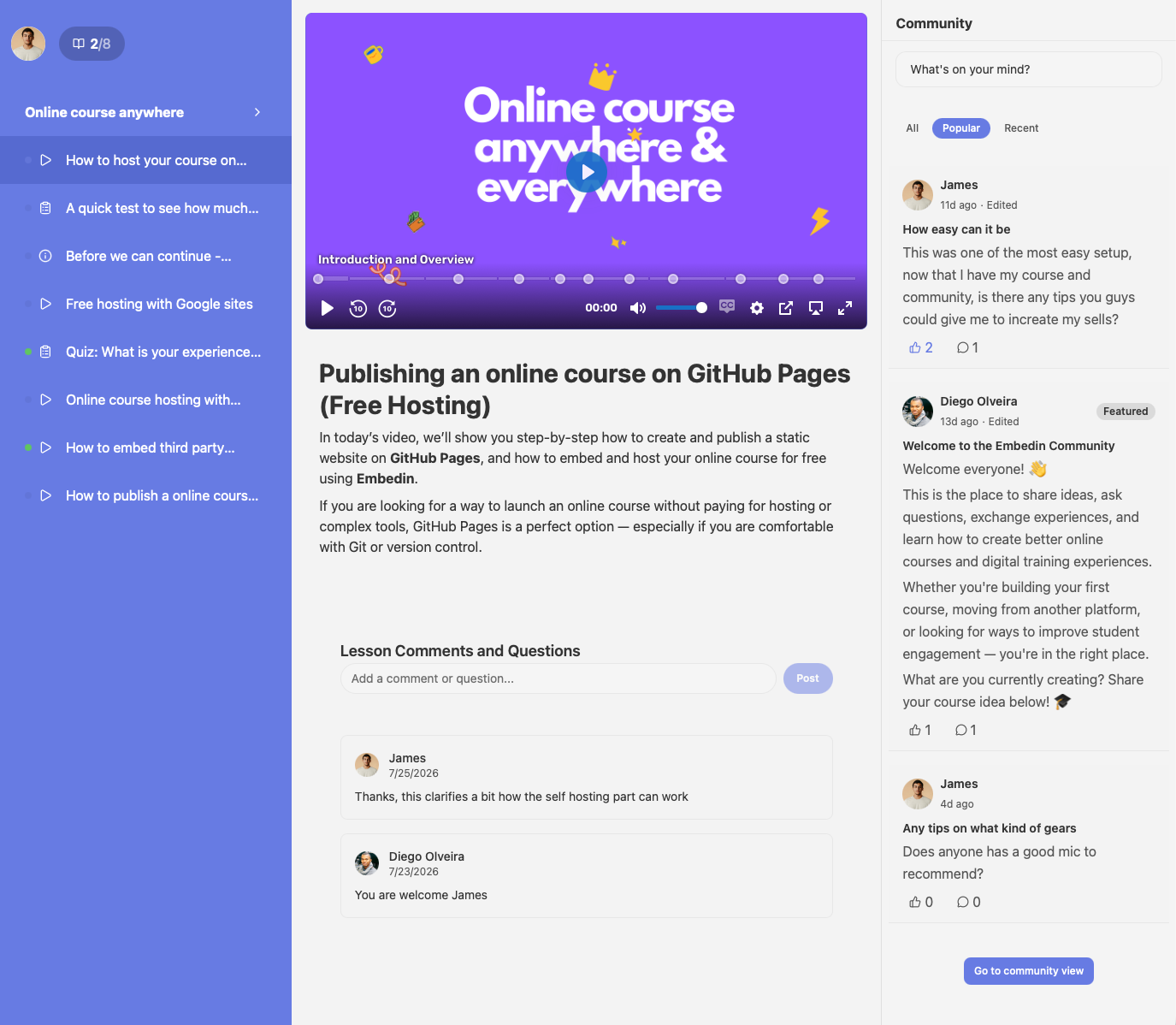
Understand how Embedin brings course lessons and learner conversations together, including how learners participate and how creators shape the experience.
Read the guideYou've got something to teach.
Your first course starts with what you already know.
Create your course for free No credit card. No website required.