
Keep your website
Add a course experience to the site and brand your audience already recognizes.
For website owners
Keep your current website and add an interactive learning experience to it. Create a course in Embedin, then embed it on a supported site or share its hosted course page.
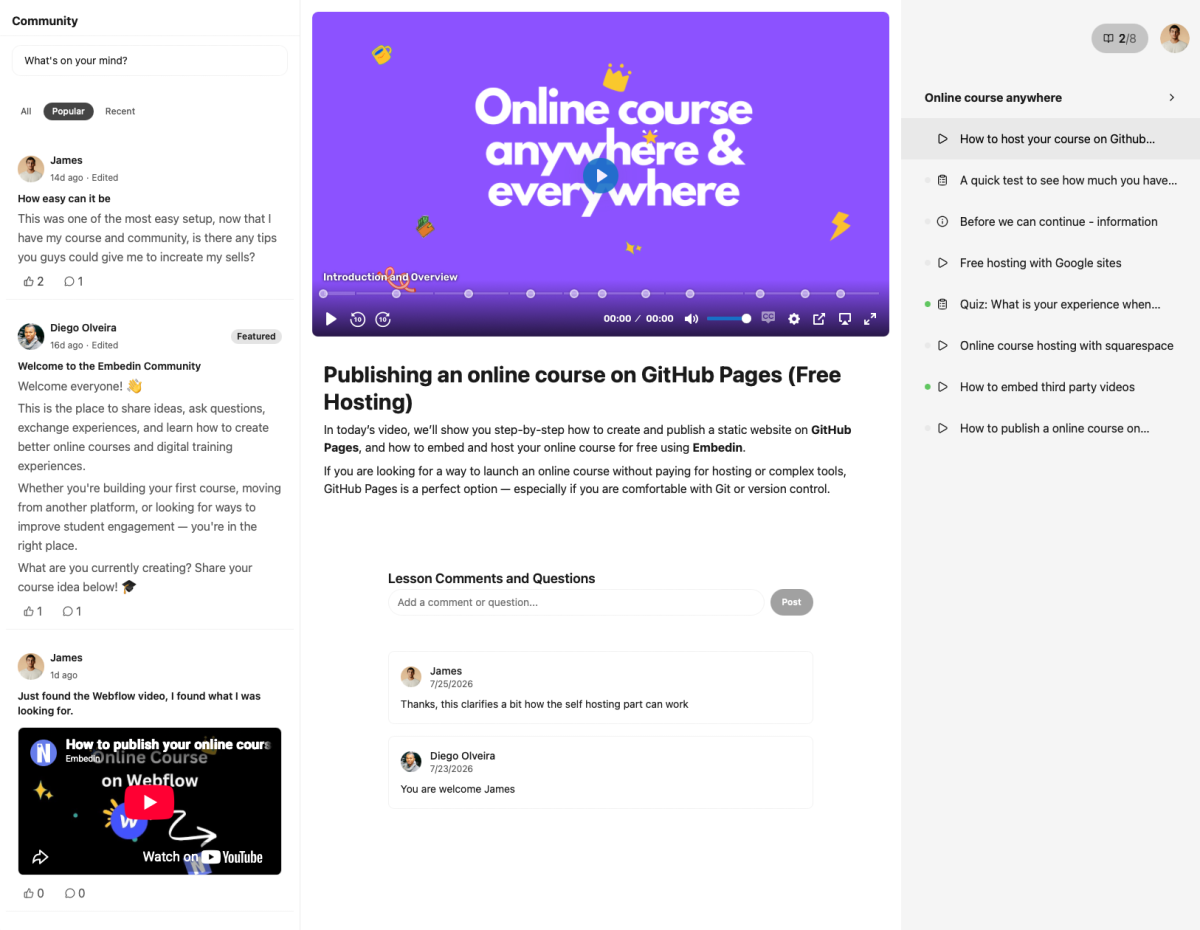
A useful learning experience
Bring course structure, useful interactions, and learner progress together.
Add a course experience to the site and brand your audience already recognizes.
Combine lessons with questions, downloadable resources, course progress, and community.
Embed the course on your website and use its hosted page as another way to share it.
Example workflow
Create and publish the course in Embedin, then add the Embedin widget to a Wix Studio page and enter your Course ID. Publish the Wix site and test the public page. The Wix Studio editor canvas may not display the course widget.
Questions and answers
Embedin has setup guides for Wix, Webflow, Squarespace, WordPress, Notion, Framer, Google Sites, and custom websites that support embeds.
Many setups use an app widget, HTML embed, or code block. The exact steps depend on your website platform and its plan features.
Publish a hosted course page on learn.embedin.com and share its link.
Connect Stripe to accept course payments. Embedin charges no transaction fee; Stripe processing fees still apply.
Your next course starts here
Create a course, add the learning materials, and publish it where your audience can find it.
Start for free No credit card required.