
Online courses on GitHub Pages
Publish an online course on GitHub Pages
Publish a static course page from a GitHub repository and deliver the lessons with Embedin. Download the course page, enable Pages, and test the live URL.
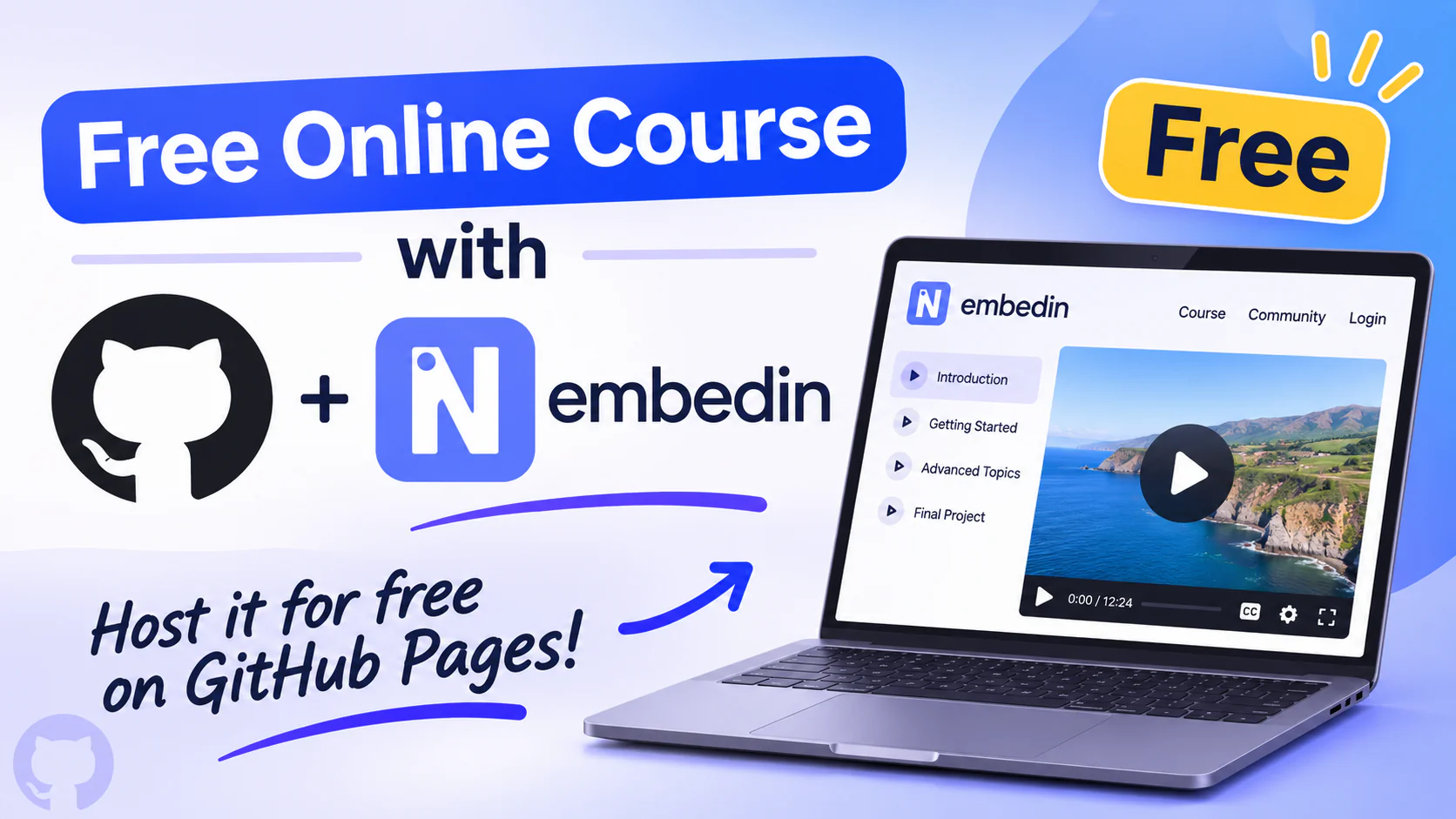
Why GitHub Pages + Embedin
Publish a course as a static page on GitHub
GitHub Pages serves the static course page, while Embedin delivers the lessons and course access. The page is a single index.html file you download from Embedin, so you do not write embed code. GitHub Pages is not intended for commercial sites, so check its current usage rules before publishing a paid course.
- Publish the course page from a GitHub repository.
- Download index.html from Embedin with no embed code to write.
- Connect a custom domain you own to the Pages site.
Setup guide
How to add an online course to GitHub Pages
- 01
Download your course page
In Embedin course settings, select Download as index.html and save the file in a folder for your website.
- 02
Add the page to a repository
Create a GitHub repository or use an existing one, then add index.html by uploading it or pushing it with Git.
- 03
Enable GitHub Pages
Open Settings → Pages, choose the branch and folder that contain index.html, save, and open the URL shown after deployment.
- 04
Allow your domain and test
Add the Pages address, and any custom domain, to Allowed domains in Embedin. Reload the page and test the course as a learner.
Before you publish
GitHub Pages course questions
Can I host a paid course on GitHub Pages?
Check GitHub's current Pages limits and terms first. GitHub says Pages is not intended for hosting an online business or sites that mainly facilitate commercial transactions, so it may not suit every paid course.
Do I need to know how to code?
No. Download index.html from your course settings, upload it to your repository, then allow the published domain in Embedin.
Can I use my own domain?
Yes. Configure the custom domain in GitHub Pages settings, follow GitHub's DNS instructions, and allow the domain in Embedin.
Your website, your course
Start building your GitHub Pages course.
Create a course in Embedin, connect it to your site, and keep the learning experience in your brand.
Start for free No credit card required.