
How the Community Works in Embedin
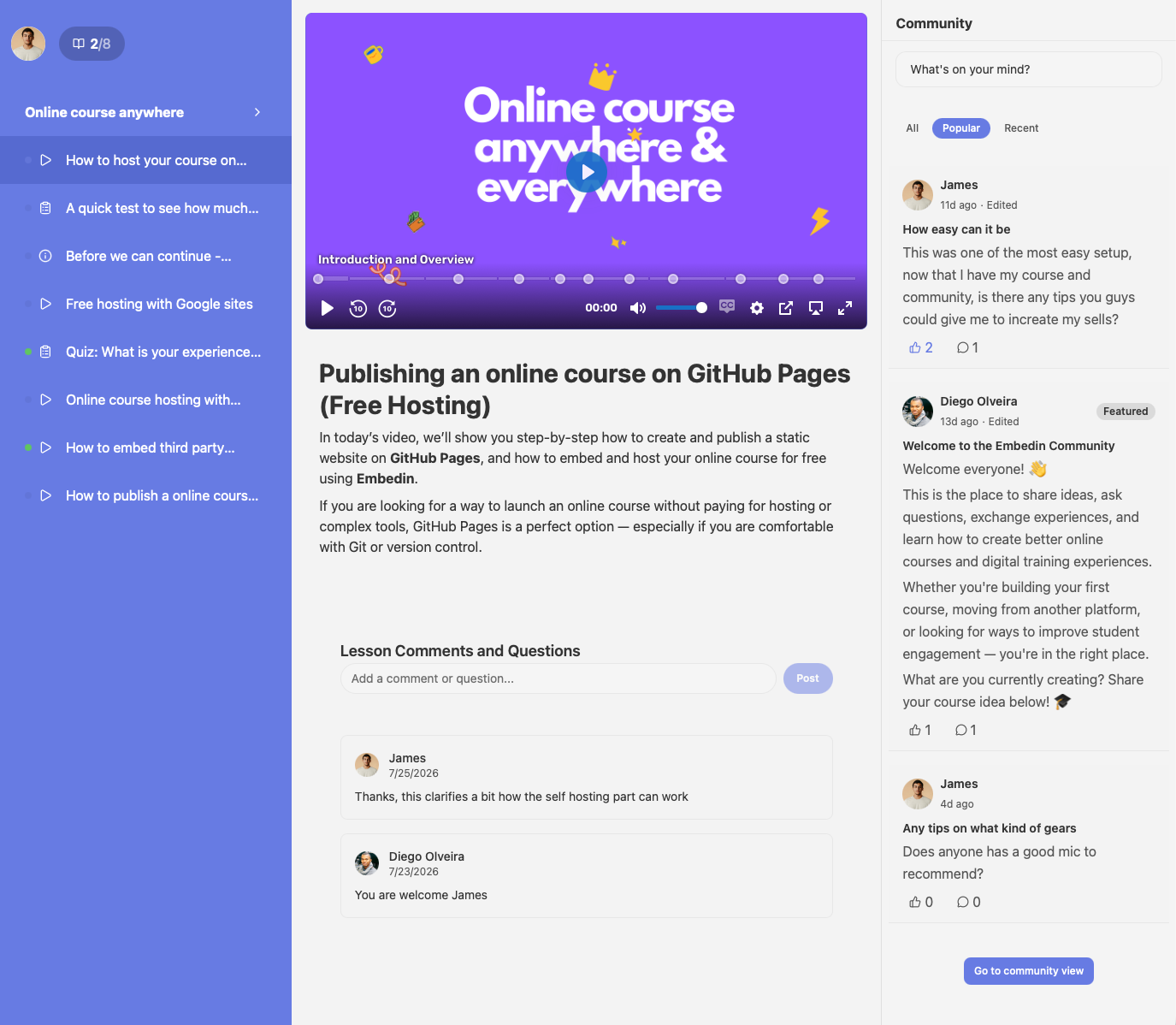
A course gives learners a path through your material. A community gives them a place to talk about what they are learning along the way. In Embedin, both can live in the same course experience, so learners can move between lessons and conversation without leaving the course.
One community for each course
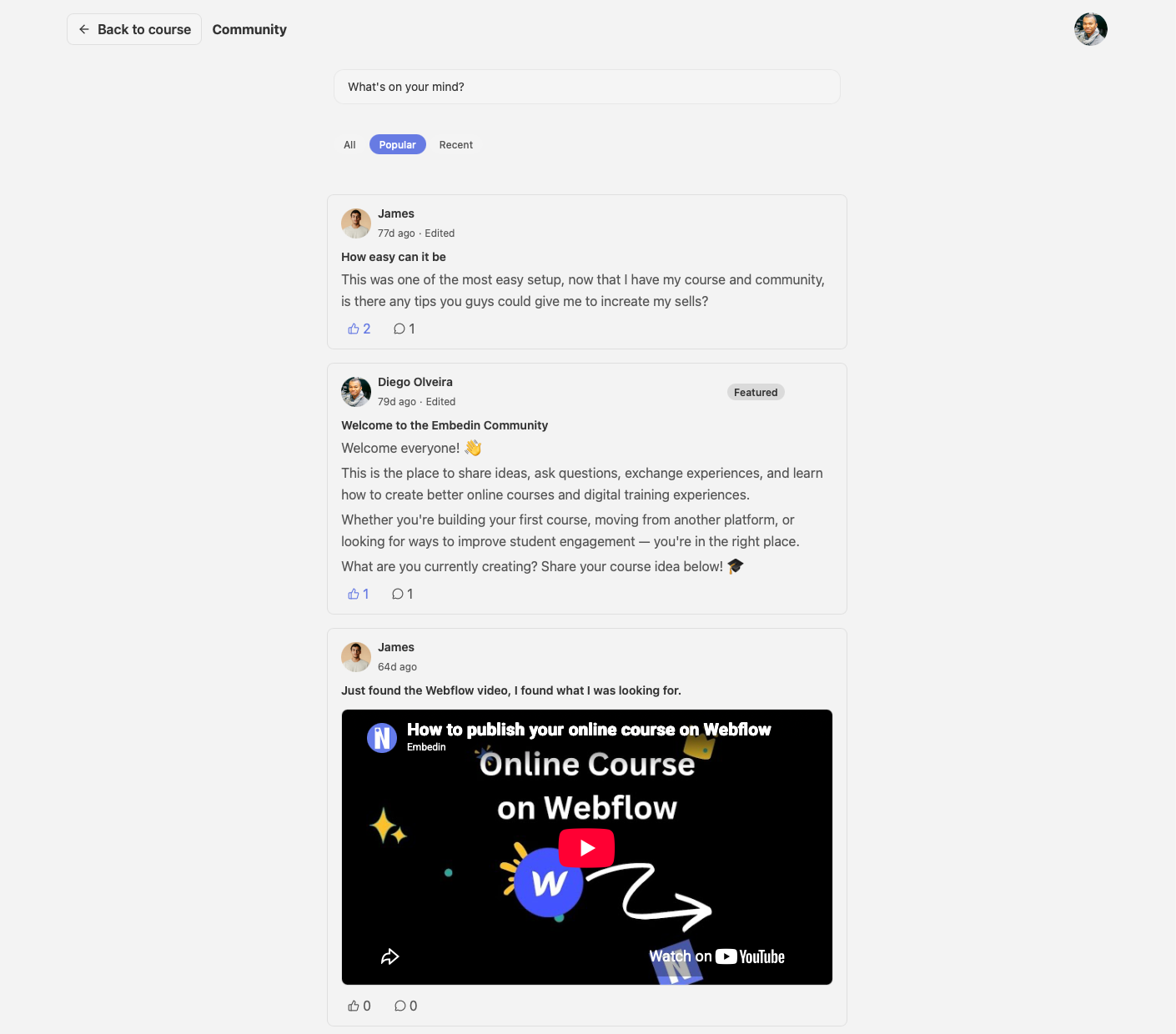
When Community is enabled for a course, Embedin provides a community space connected to that course. Learners with access can read conversations, publish posts, and comment on posts. That keeps questions, ideas, and peer discussion close to the lessons they relate to.
Access follows your course's enrollment and access rules. Decide who should be able to participate before sharing the course, and check the experience as both an enrolled learner and someone without access.
What participation looks like
A simple conversation can help learners put a lesson into practice. For example, a creator might invite learners to:
- Introduce themselves and share what they hope to learn
- Ask questions about a lesson or discuss a useful takeaway
- Share progress, examples, or challenges as they work through the course
Learners can start a post when they have something to ask or share, then continue the discussion in the comments. Course creators can join in to clarify ideas, respond to questions, and help set the tone for participation.
Lessons and discussion, side by side
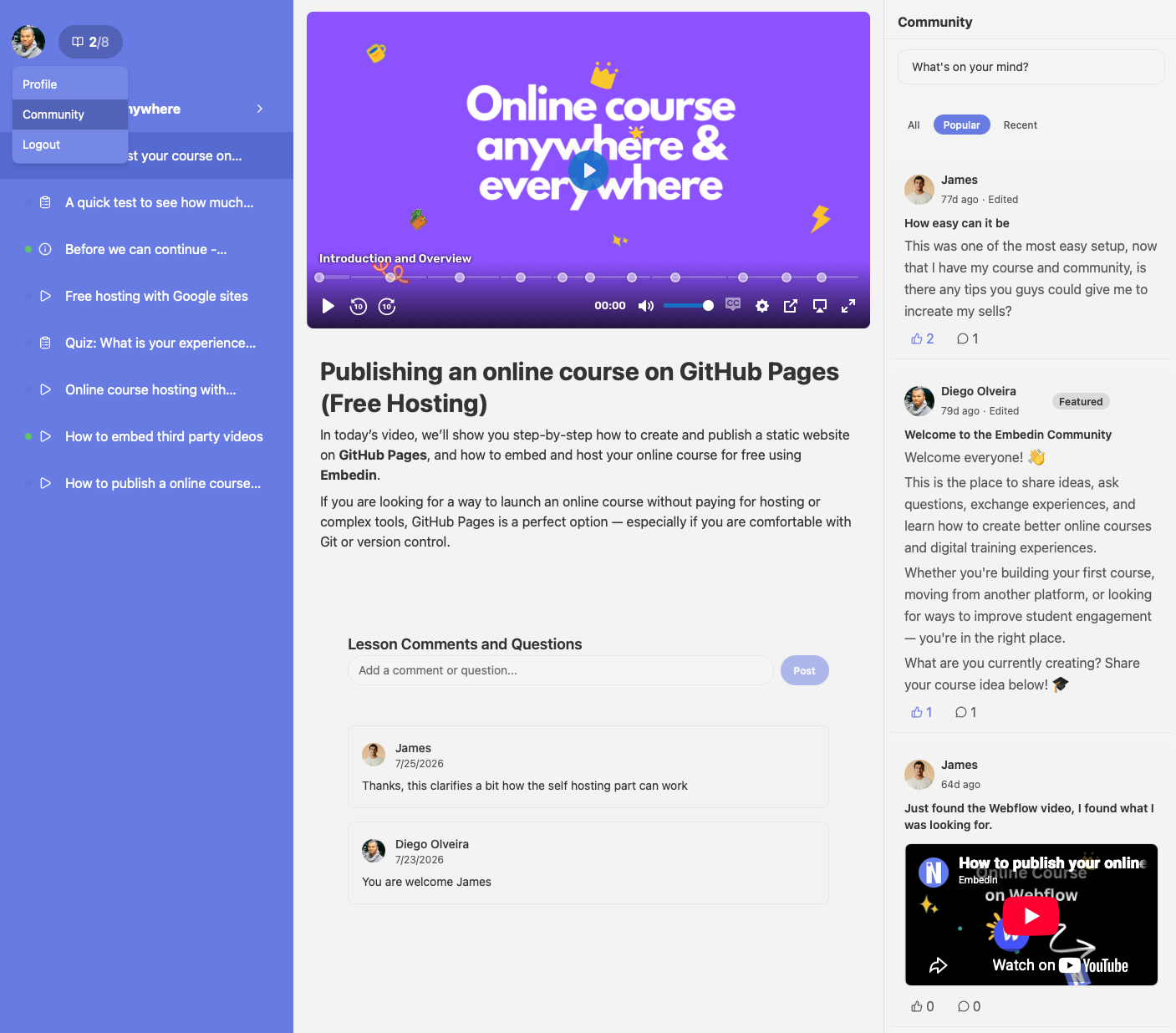
The community is part of the course workspace rather than a separate destination. Depending on the selected layout, it can appear beside the course content or in another position in the course view. You can also choose a visual theme to better match your site and brand.
This makes it easier for a learner to refer to course material while participating, while keeping the experience focused on the course.
The creator's role
A useful community needs a little structure. Start with a welcome post that explains what the space is for, how learners can participate, and where to get help. Then give learners a regular prompt connected to the course, such as a question after a lesson or a place to share their weekly progress.
Set clear expectations for respectful discussion and decide who will review posts and comments. Consistent, specific replies help learners feel that participation is part of the course, not an abandoned extra.
Getting started
Enable Community in your course settings, check the learner access behavior, and add a few conversation starters before inviting learners in. For the setup steps, see How to Enable Community for Your Online Course.
The basic loop is straightforward: learners study, share questions or progress, and learn from the replies. Keeping that loop connected to the course gives learners another way to stay engaged as they work toward their goals.
.png)