
How to Create an Online Course and Community with Framer
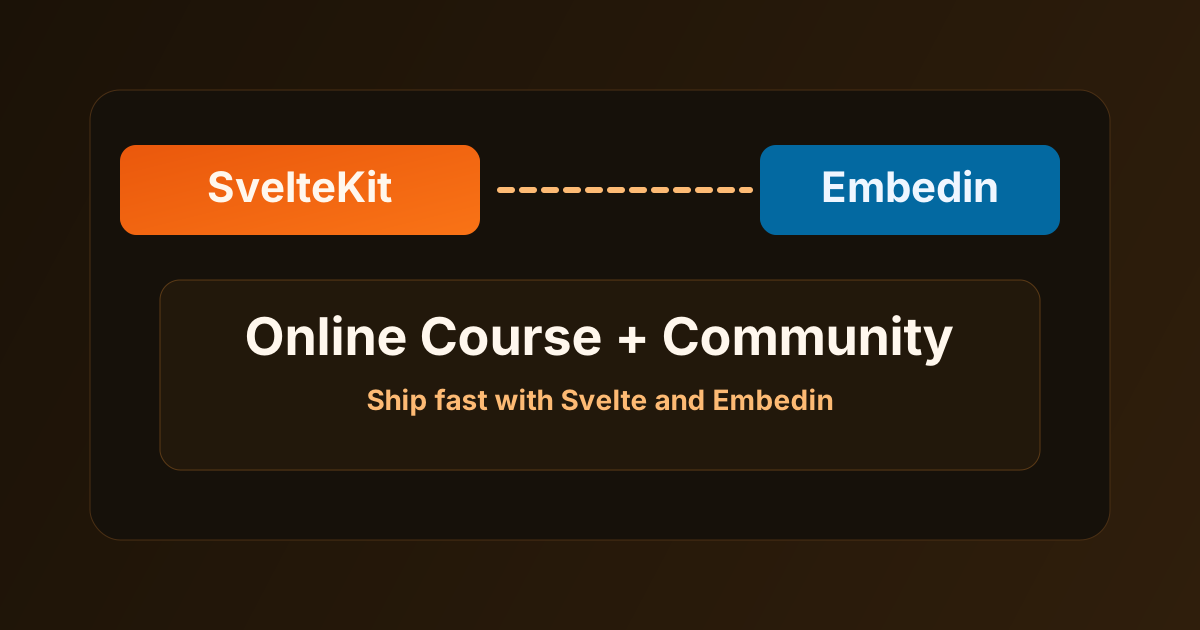
Framer is excellent for fast, high-converting websites. If you want to add a course and community experience without leaving your Framer stack, Embedin is a practical way to do it.
In this guide, you will set up:
- Course delivery with Embedin
- Community discussions for learners
- A clean Framer-based learning flow
Why Framer + Embedin works
Framer helps you ship polished web experiences quickly. Embedin handles the learning infrastructure that usually takes weeks to build.
With this setup:
- Framer stays focused on website and UX
- Embedin handles lessons, access, and community
- You launch faster with fewer moving parts
Step 1: Create your course in Embedin
- Create your course, modules, and lessons in Embedin.
- Publish your initial content.
- Copy your course ID from course settings.
Step 2: Allow your Framer domain
In Embedin course settings, add where the course will run:
https://yourdomain.com- any Framer preview/custom domain you use
If the domain is not allowed, the embed will not load correctly.
Step 3: Add Embedin to Framer
In Framer, add an Embed element where you want the course to appear and include the Embedin script.
Example embed snippet:
<div id="YOUR_COURSE_ID" data-courseid="YOUR_COURSE_ID"></div>
<script type="module" data-courseid="YOUR_COURSE_ID" src="https://embed.embedin.com/course.js"></script>
Replace YOUR_COURSE_ID with the real course ID from Embedin course settings.
Step 4: Enable Community
Turn on Community in your course settings in Embedin.
That allows learners to:
- Create posts
- Comment and reply
- Ask questions inside the course environment
Step 5: Launch with starter posts
Before sharing your page, create 2 to 3 kickoff threads:
- Welcome and guidelines
- Introductions
- Weekly progress check-in
This prevents an empty community feed on day one.
Common mistakes to avoid
Not allowing all live domains
If you use multiple Framer domains or staging URLs, add each one in your Embedin settings.
Launching community without guidance
Set clear behavior rules and moderation expectations from the start.
Treating the course as separate from your site
Your Framer page should clearly connect:
- What learners get
- Where to start
- How to participate in community
Final thought
Framer gives you speed and design control. Embedin gives you the course and community engine.
Together, you can launch a complete online learning experience directly from your website.
.png)